
Introduction
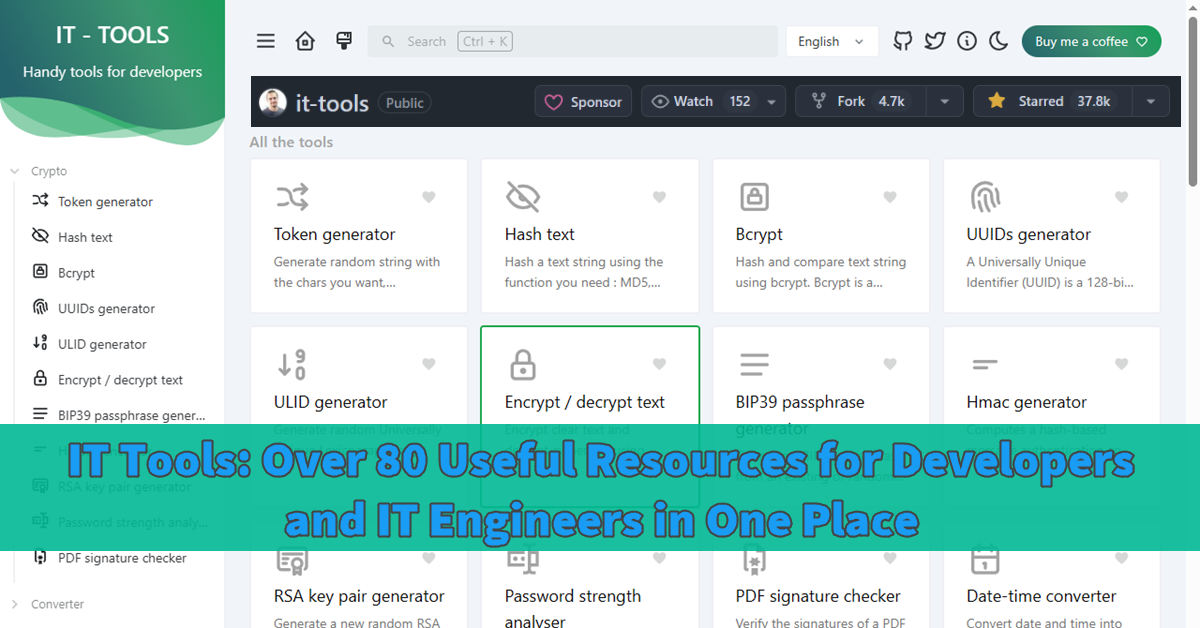
Approximately eleven months have passed since I launched my own Kubernetes cluster—more specifically, a three-node K3s cluster with embedded high availability. After installing about fifteen self-hosted apps in the last few months, I began using an open-source homepage to arrange them in a dashboard-like fashion. Trillium Notes is one of the apps I recently installed because I want to store generic K3s notes that apply to all app deployments over specific README.md in each app. I also install other apps that look like they could be helpful. A few days ago, I discovered this IT tool app at selfh.st (although it appears to me more like a script). I told myself I had to install it right away, so I did and would like to share it here.
Deployment
A helm chart for IT tools is available at JeffResc/charts, but as I previously mentioned, it appears more like a script, so I don’t see any use in using it as a helm for customization attributes in values.yaml. In this instance, a vanilla Kubernetes manifest is my preferred deployment.
---
apiVersion: apps/v1
kind: Deployment
metadata:
  name: it-tools
  namespace: it-tools
spec:
  replicas: 1
  selector:
    matchLabels:
      app: it-tools
  template:
    metadata:
      labels:
        app: it-tools
    spec:
      containers:
        - name: it-tools
          image: corentinth/it-tools:latest
          imagePullPolicy: IfNotPresent
          ports:
            - containerPort: 80
          resources:
            requests:
              cpu: 100m
              memory: 128Mi
            limits:
              cpu: 500m
              memory: 512Mi

---
apiVersion: v1
kind: Service
metadata:
  name: it-tools
  namespace: it-tools
spec:
  selector:
    app: it-tools
  ports:
    - port: 80
      targetPort: 80
  type: ClusterIP

---
apiVersion: networking.k8s.io/v1
kind: Ingress
metadata:
  name: it-tools
  namespace: it-tools
  annotations:
    nginx.ingress.kubernetes.io/proxy-body-size: "0"
    nginx.ingress.kubernetes.io/ssl-redirect: "true"
    nginx.ingress.kubernetes.io/force-ssl-redirect: "true"
    cert-manager.io/cluster-issuer: letsencrypt-dns

    nginx.ingress.kubernetes.io/hsts: "true"
    nginx.ingress.kubernetes.io/hsts-max-age: "31536000"
    nginx.ingress.kubernetes.io/hsts-include-subdomains: "true"
    nginx.ingress.kubernetes.io/hsts-preload: "true"

    nginx.ingress.kubernetes.io/limit-connections: "20"
    nginx.ingress.kubernetes.io/limit-rps: "10"
    nginx.ingress.kubernetes.io/limit-burst-multiplier: "5"

    nginx.ingress.kubernetes.io/x-frame-options: "DENY"
    nginx.ingress.kubernetes.io/x-content-type-options: "nosniff"
    nginx.ingress.kubernetes.io/referrer-policy: "strict-origin-when-cross-origin"

    nginx.ingress.kubernetes.io/proxy-read-timeout: "300"
    nginx.ingress.kubernetes.io/proxy-send-timeout: "300"

    nginx.ingress.kubernetes.io/auth-type: "basic"
    nginx.ingress.kubernetes.io/auth-secret: "it-tools-basic-auth"
    nginx.ingress.kubernetes.io/auth-realm: "Restricted Access"

spec:
  ingressClassName: nginx
  tls:
    - hosts:
        - itools.example.com
      secretName: it-tools-tls
  rules:
    - host: itools.example.com
      http:
        paths:
          - path: /
            pathType: Prefix
            backend:
              service:
                name: it-tools
                port:
                  number: 80
Nginx as Ingress
My cert-manager in K3s is letsencrypt-dns, and the annotations are there to enforce minimum effort security because I host my IT tools publicly. I also added http basic auth because the IT tools don’t have login control.
$ kubectl create namespace it-tools

$ htpasswd -c auth username
$ kubectl create secret generic it-tools-basic-auth   --from-file=auth   -n it-tools
$ kubectl get secret it-tools-basic-auth -n it-tools

$ kubectl apply -f deployment.yaml
Private Local Hosting
To be honest, a lot of these embedded generators, formatters, and decoders are available online and are free to use. But have you ever considered the fact that it is not always 100% safe to cut and paste your JSON snippets into the JSON decoders? Furthermore, how can you be certain that the online server does not maintain a log when you generate bearer tokens and authentication credentials? I have always been cautious when pasting private information online because I work as an IT engineer. Thus, another reason I host IT tools securely on my server is that I don’t have to worry about inadvertently publishing private information on open websites.
Exploring IT Tools
Tool Groups
After entering my username and password for http basic authentication, this app loads immediately. The individual tools are arranged in categories, and the left navigation allows groups to collapse.
| Crypto | Network |
| Converter | Math |
| Web | Measurement |
| Images & Videos | Text |
| Deployment | Data |
My Top 10 Practical IT/System Administration Tools
You can use various formatters and generators in addition to the ten practical tools listed below that I believe I will use daily as a site reliability engineer.
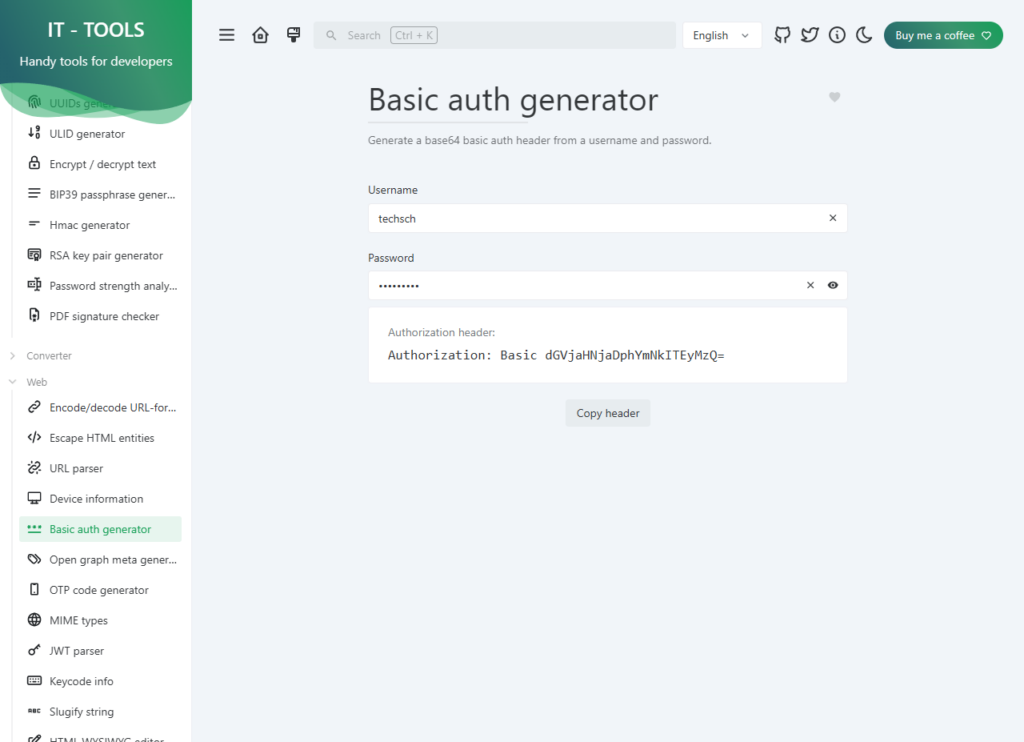
- Token generator: I utilize token generators for VictoriaMetrics vmauth bearer token authentication.
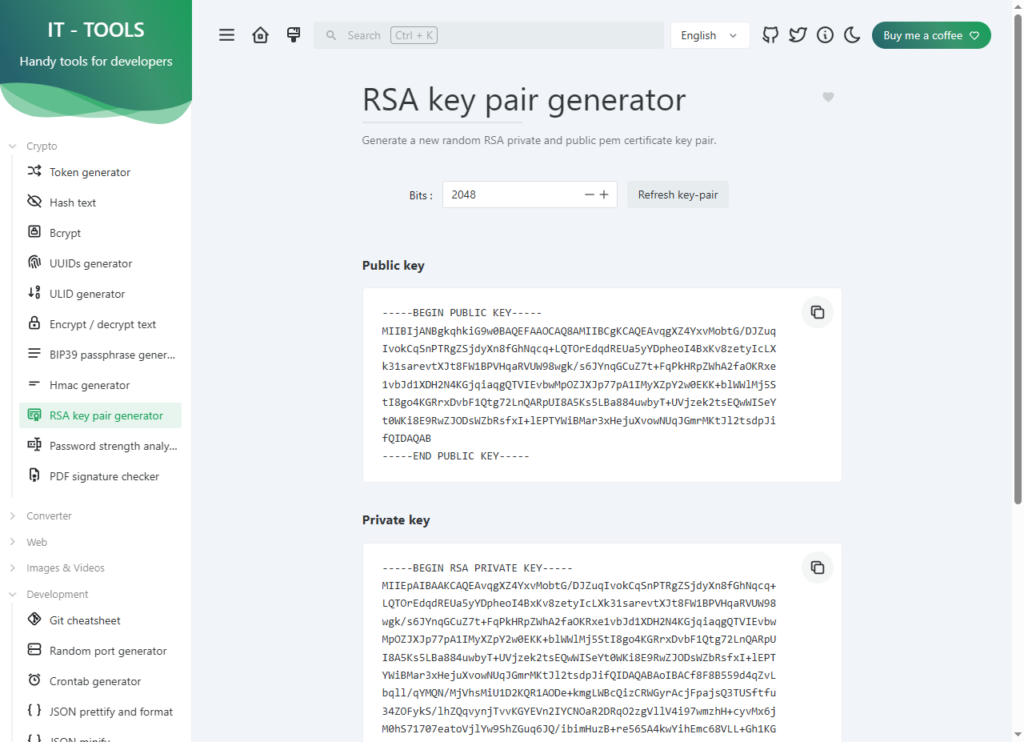
- RSA key pair generator: Most business servers use SSH key pairs instead of usernames and passwords.
- Password strength analyzer: When a recently installed app fails to alert you to the strength of your password, use a password strength analyser.
- Color converter: When creating a website, quickly select a color in hexadecimal format.
- HTTP status code: When an HTTP error occurs during the initial load of a newly deployed web application
- QR code generator: Not very useful for IT, but it might contain a URL to open an IT support serviceNow ticket.
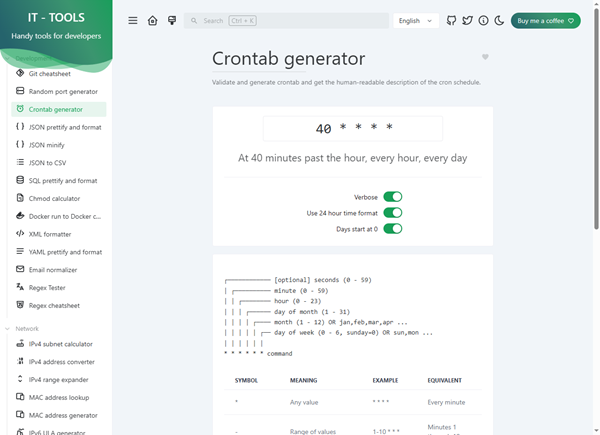
- Crontab generator: essential tools for all server administrators
- Regex tester and cheat sheet: An IT systems administrator will not use a regex tester or cheat sheet very often, but they will always struggle when they need it.
- IPv4 subnet calculator: Another helpful tool for network engineers
- Text diff: Text difference between the old and new codes, such as the deployed Helm charts in YAML versus the vanilla template
Bonus
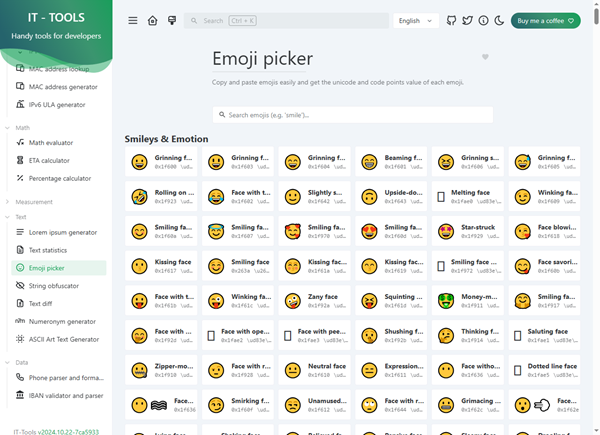
- Emoji picker: Although not directly related to IT, emoji picker is still noteworthy.
- Markdown to HTML: Another tool that isn’t related to IT but converts Markdown to HTML
Conclusion
I installed a number of helpful productivity tools, such as Navidrome, Vaultwarden, and Trillium Notes, but I think IT-Tools stands out because it resembles a handyman’s toolbox or Doraemon’s gadget pocket. It offers a wide range of useful tools for various IT roles rather than just one main use. Additionally, among the more than 80 tools, generators, and formatters, you can “add to favorites” to position the ones you use most often at the top. It is incredibly lightweight and doesn’t require a database or physical data storage space. In conclusion, it is free and requires minimal resources to host privately, making it an ideal addition to any self-hosted stack. IT-Tools offers convenience and versatility in a single, easily navigable interface, whether you’re troubleshooting, formatting data, or creating on-the-fly quick utilities.